






Run all your coding agents from one village.
Claude Code, Codex, Antigravity CLI and OpenCode sessions become builders in a little isometric town on your Mac. See who is working, who needs you and who shipped, without clicking through terminal tabs.
Four agents in four repos look exactly like twelve terminal tabs.
One is stuck on a permission prompt. One finished ten minutes ago. One is still thinking. You find out by clicking through all of them.
In the village the answer is on screen: a builder hammering away is working, a red “!” is waiting for you, a medal means it shipped. The real terminal is always one click away.
One session, start to finish
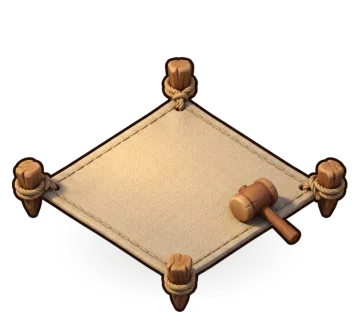
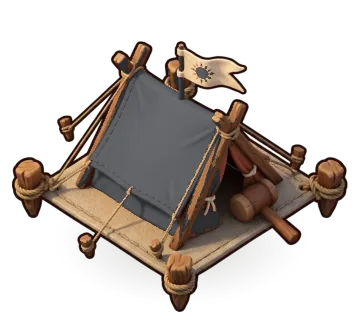
Every agent session is a builder. This is what one of them looks like from the village while it works.

Give it a task
Pick a builder, an agent and a first task. The agent starts in a real terminal inside that workspace, and its builder walks onto an empty plot and starts hammering.
It needs you
The moment an agent stops for a permission prompt, a red "!" pops over its builder. From across the village you can tell which one is waiting.
Answer without hunting
Allow or deny a Claude Code or Antigravity request right from the village, or click the builder to open its live terminal in the side panel. Back to work.
Shipped
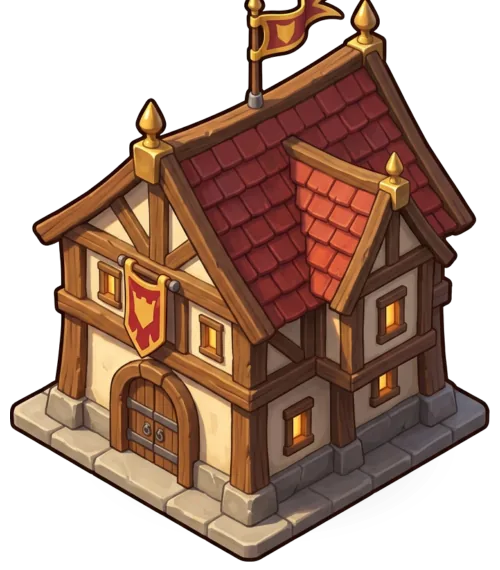
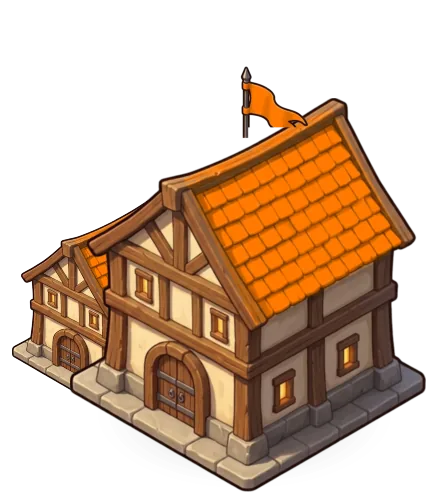
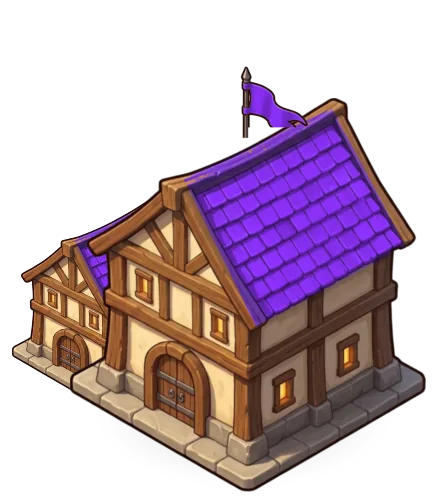
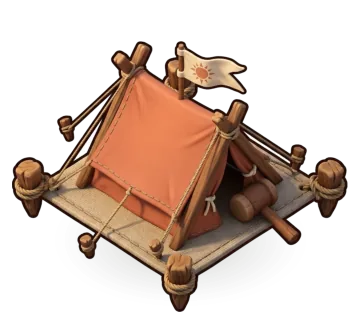
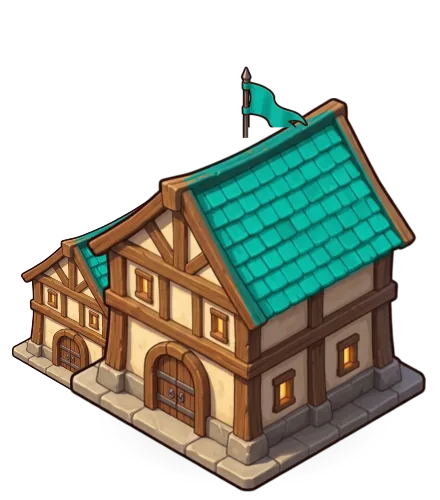
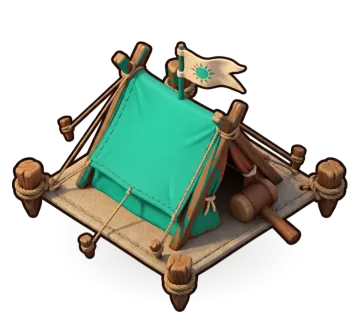
When the turn is done the tent stands in the agent’s colours, the builder cheers and a medal goes up. If the app is in the background, macOS tells you and the Dock counts what is waiting.
Bring the agents you already use
The app runs the agent CLIs you have installed and signed in to, with your own logins. Each one reports to the village as it works. It never installs agents or touches your API keys.
Claude Code
claudeThe village shows Working, needs you, finished, and how many tool steps it took. It also spots the first run "trust this folder" menu.
Permission prompts Allow or deny from the village, no terminal needed.
Checked against real claude runs
Codex
codexThe village shows Working and finished. Needs you is read from its approval and trust prompts on screen.
Permission prompts Answer in its terminal. The red “!” still tells you when.
Built from the Codex docs. Help us confirm it
Antigravity CLI
agyThe village shows Working, needs you, finished, interrupted, failed, and tool steps, read from what agy prints. No settings files at all.
Permission prompts Allow or deny from the village too.
Checked against real agy runs
OpenCode
opencodeThe village shows Working, needs you, finished, and stuck on an error.
Permission prompts Answer in its terminal, one click from the builder.
Built from the OpenCode docs. Help us confirm it
Any command
The village shows Working while it prints, finished after it goes quiet, and stuck if it exits with an error or stays silent too long.
Permission prompts Whatever it asks, you answer in the terminal it runs in.
The real app, up close
Someone needs you
Cyra hit a permission prompt in payments-api. The red plate and the “!” say so from across the village.
Counts you can trust
Building, needs you, ready to review: the top left counts every builder, and each pill jumps to them.
Limits before they bite
Each agent’s usage left this week or month, read from the agent itself, refilling like a potion.
The whole crew
The roster shows every builder’s rank, stars and state. Click one to open its live terminal.
Your whole town
Four workspaces, eight builders, one window. This is the app running, not a mockup.

A Kanban for every workspace
Write tasks in To Do and start one when a builder is free. Sessions move across Active, Needs You and Finished on their own, and a permission prompt can be allowed or denied right on its card.
A compound per workspace
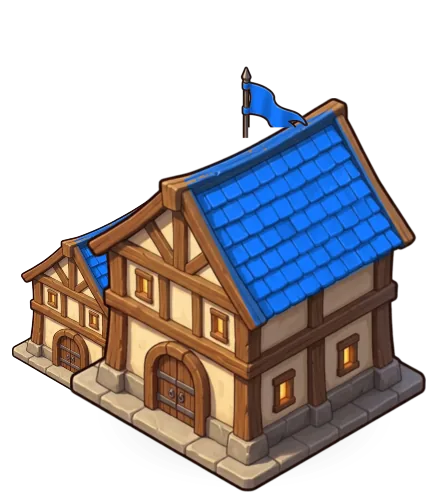
Open a project folder and it becomes a walled compound around the Town Hall. Its house grows as you ship.
The real terminal, one click away
Click any builder or tent for its live terminal. Pop it out for a bigger view, or open a plain shell in the same folder.
Ranks and hammers mean something
The model sets a builder’s rank, from Apprentice to Master. The effort level sets the hammer and its stars.
Quit without losing your place
Sessions come back paused where they stood. Resume picks Claude Code, Codex and Antigravity up on their own conversation.

Your agents’ work stays on your Mac.
Nothing leaves your Mac
Agent output, prompts, file names and folders stay on your machine. The only network calls are the update check (you can turn it off) and bug reports you choose to send.
Your agent config is never touched
Nothing under ~/.claude, ~/.codex, ~/.gemini or ~/.config/opencode is ever edited. Each session gets a private settings file in the app’s own folder, deleted when it closes.
Status stays on localhost
Agents report their status to a server that only listens on your Mac, behind a random token per session.
Quiet notifications
Notifications say a builder needs you or finished. They never include your task or terminal output.
Questions, answered
Still curious? DM @fabianferno on X.
What is Clash of Claudes?
A Mac app that runs your coding agent sessions (Claude Code, Codex, Antigravity CLI, OpenCode or any command) and shows each one as a builder in an isometric village. Each project folder is a walled compound. You can see at a glance which agents are working, which need your approval and which have finished.
How do I run several Claude Code sessions at once without losing track?
Open each project as a workspace and start a builder per task. Every session runs in its own real terminal, and the village shows its state: hammering means working, a red “!” means it is waiting on a permission prompt, a medal means it finished. Notifications and the Dock badge tell you when one needs you while the app is in the background.
Which coding agents does it support?
Claude Code and Antigravity CLI are checked against real runs, including allowing or denying permission prompts from the village. Codex and OpenCode are supported from their documentation and testers are helping confirm them. Any other command also works: it counts as working while it prints and finished once it goes quiet.
Does it send my code or prompts anywhere?
No. Agent output, prompts, file names and folders stay on your Mac. The only network calls are the update check, which you can turn off, and bug reports or feature requests you choose to send.
Will it change my Claude Code, Codex or OpenCode settings?
No. Nothing under ~/.claude, ~/.codex, ~/.gemini or ~/.config/opencode is edited. Each session gets a private settings file in the app’s own folder, deleted when the session closes. It uses the CLIs and logins you already have.
What do I need to run it?
Any Mac on macOS 13 or newer (Apple Silicon and Intel both work), and at least one agent CLI installed and signed in. The app is signed and notarized by Apple, so it opens like any other app.
How do updates work?
The app checks for a new beta every few hours and offers it in a small banner. Updates are signed, and the app installs one only if its signature matches. You can also check from Settings at any time.
How do I report a bug or ask for a feature?
From the app: Help › Report a Bug… or Help › Request a Feature…, or the Beta feedback card in Settings. Nothing is sent until you read it and press Send. For anything else, send Fabian a DM on X.
Is it made by Anthropic, OpenAI or Google?
No. Clash of Claudes is an independent app built by Crevn. It is not affiliated with or endorsed by Anthropic, OpenAI, Google or the OpenCode team.
Join the beta
You are getting this early. Things will break, and what you find decides what gets built next.
- Download the disk image.
- Drag Clash of Claudes onto Applications.
- Launch it. It is signed and notarized, so it opens like any other app.